The whole show, in one studio.
Record with your guest, cut the clip, fix the captions, package the episode and keep guests, sponsors and dates in line. One place, one login.
Built for the person who makes the show.
Every screen below is in the sample. Open it, type your own words and watch it work. Nothing is sent and the sample deletes itself after three hours.
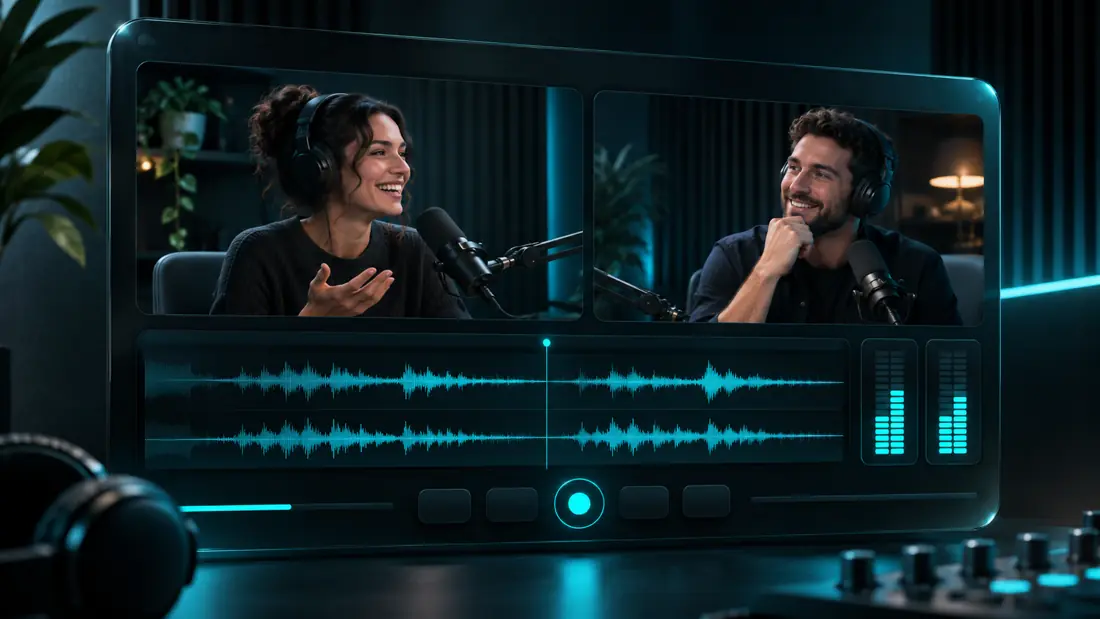
Record in the browser. Bring a guest in with a link.
Record solo, or send a guest a private link: no account, no download. Each person is recorded on their own device, so you get separate clean tracks. Email the invite from your own mailbox in one click.
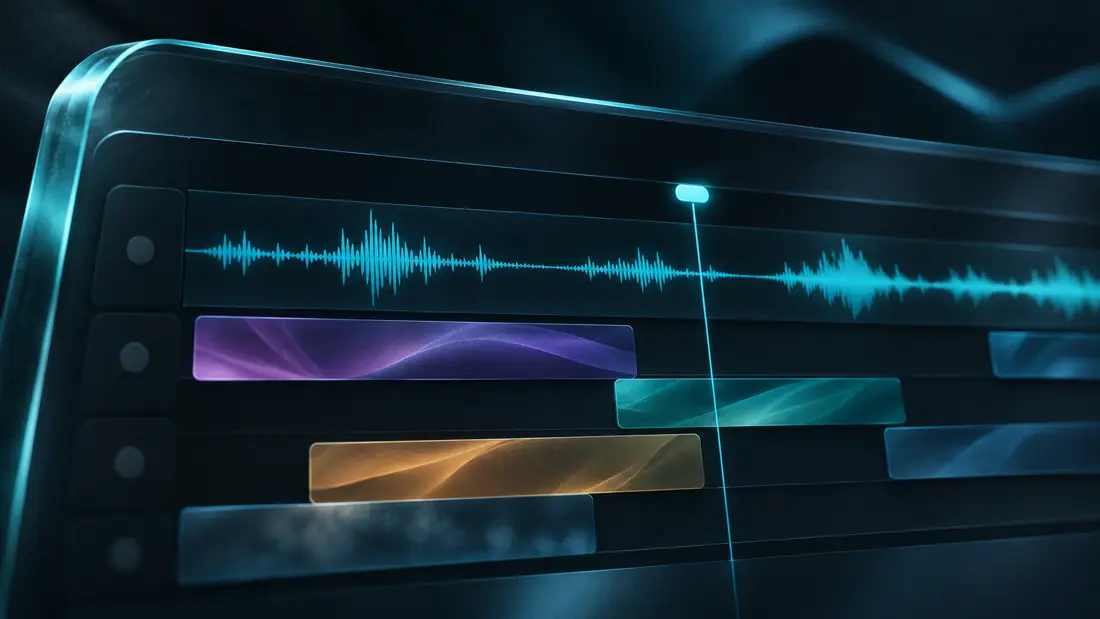
Cut the clip. Keep the original.
Set where the clip starts and ends on the timeline, play the cut, and export. The original recording is never changed, so you can cut it again a different way.

Wide, square or vertical from the same cut.
Pick the frame when you export: as recorded, 16:9, 1:1 or 9:16. Volma crops to the center and writes the file into the show's library.
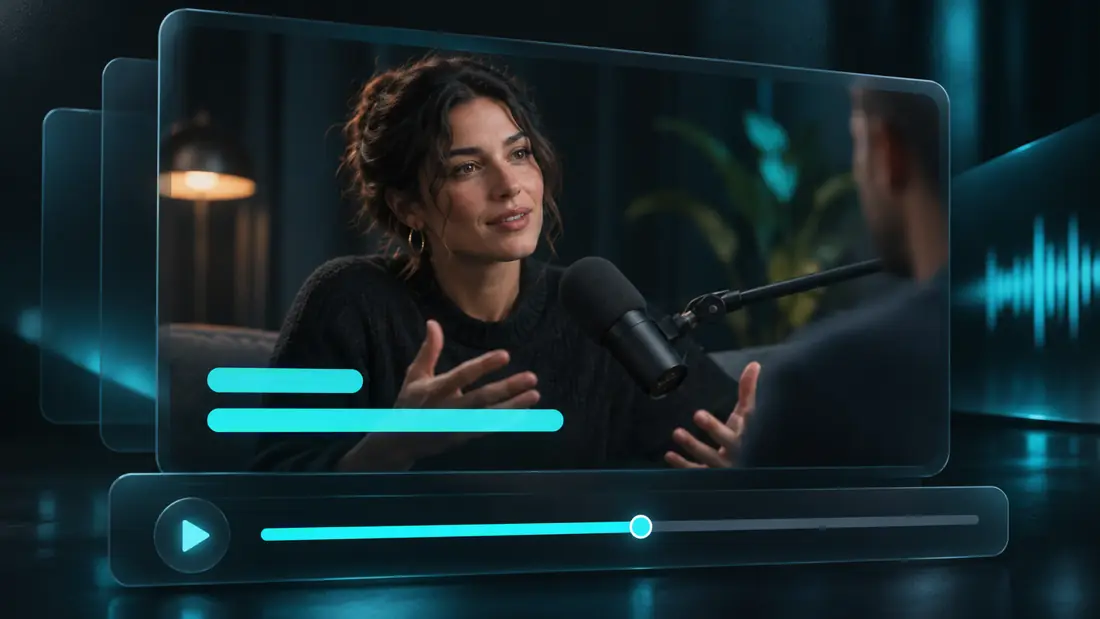
Fix what the line says without re-cutting.
Add a caption at the playhead and type what was said. Burn captions into the picture, and get a separate .srt every time.
22 tools that feel like one studio.
Cue Trends shows what is worth making next. The Cue Engine turns your subject, angle and source into platform-ready packages using only your words. Titles get scored with the reasons shown.
From idea to published, one board.
Every episode with its guest, dates, packaging and sponsor reads. The planner shows today, this week, drafts, ready and posted.

Who is booked, what is owed.
Guest pitches arrive in one inbox. Booked guests become episodes in a click. Sponsor reads are placed on episodes and turn into an invoice.

See what held attention.
Log results and Cue grades each post as a hit, normal or a miss against your own history, so the next package starts from what worked for you.
The pieces around the episode.
Show kit
Cover art, thumbnail, social posts, story, quote card and banner in four matching colorways. Type the words once and download each at full size.
Public show page
A page for your show with your latest published episodes and their links, plus a booking page guests can pick a time on.
Works on your phone
The menu becomes a tab bar under your thumb: Today, Creator Studio, Record, Episodes, Guests.
Hosting
Publish from the episode board. Your feed for Apple Podcasts and Spotify at an address that never changes, a page for your show with a player, and ad spots you control.
Open the sample and make something.
A made-up show with made-up data. Everything works.